The STI Portal (sti.pesrp.edu.pk login) is the official online portal of the School Education Department (SED) Punjab for the recruitment of School Teacher Interns (STIs). From submitting the application to checking the Stis merit list and downloading the agreement letter, every step of the STI recruitment process happens through this portal. This complete guide explains how to log in to sti.pesrp.edu.pk, how to check your STI merit list after login, how to recover a forgotten password, and how to fix common login problems.
Sti.Pesrp.Edu.Pk Login 2026 Portal For STI Merit List
The STI portal is the official website launched by the Punjab Education Department’s recruitment system (PESRP) for School Teacher Intern hiring. Through this single portal, candidates can:
- Register and submit online applications
- Check the provisional and final merit lists
- Submit and track objections
- Download agreement letters after final selection
The portal is the only official source for STI recruitment. Any other website, page, or person claiming to provide STI lists should not be trusted.
Sti.Pesrp.Edu.Pk Login – Step-by-Step Guide
Follow these steps to log in to your STI account:
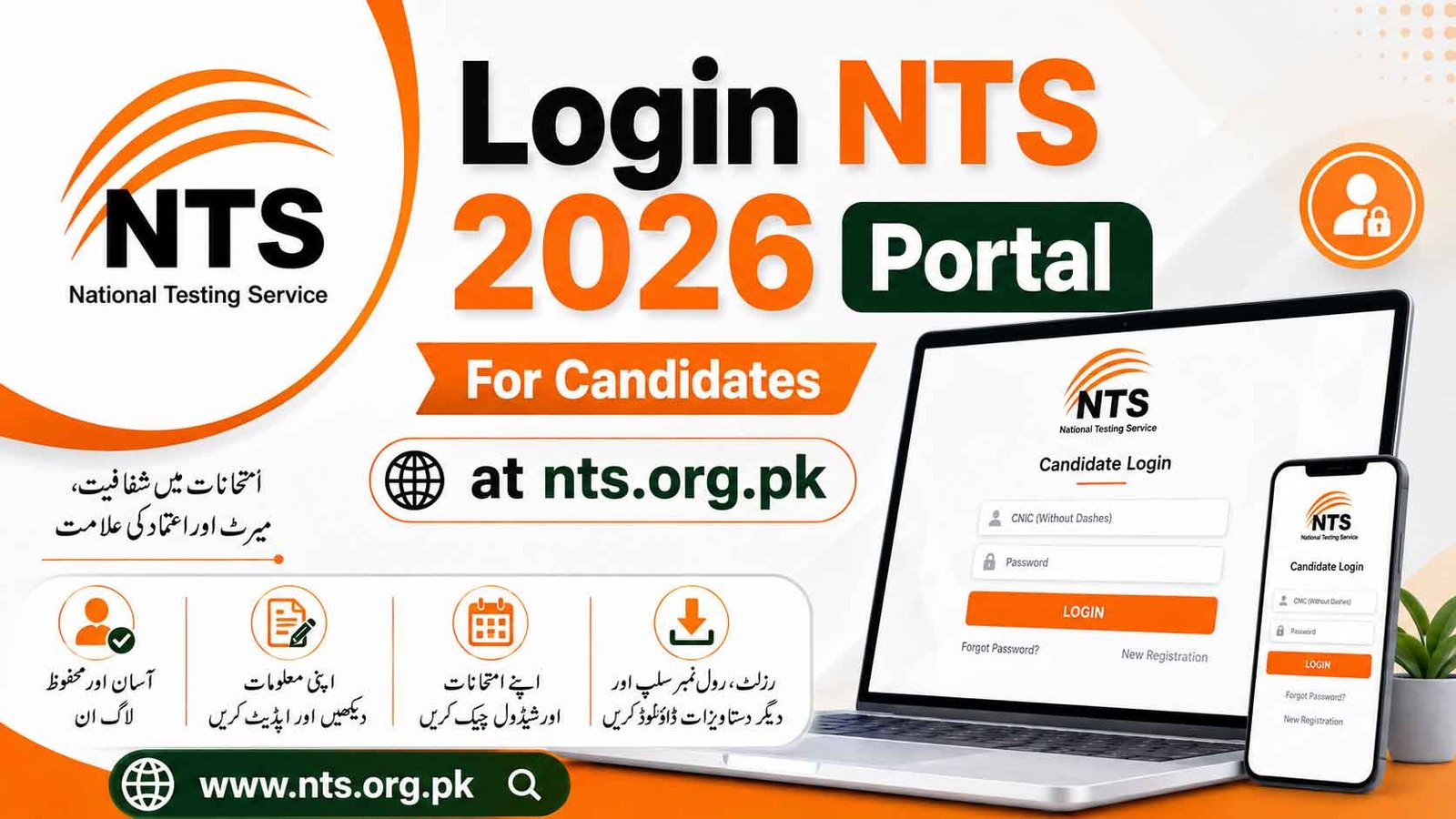
- Open your browser and go to sti.pesrp.edu.pk
- Click on the Login button on the homepage
- Enter your CNIC number (the one used during registration)
- Enter your password created at the time of registration
- Complete the captcha / verification if shown
- Click Sign In — your personal dashboard will open
On your dashboard you can view your application status, merit list position, and all official notifications related to your application.
How to Check the STI Merit List After STI Portal Login
The provisional merit list for STI 2026 was displayed on October 23, 2026. To check your name after logging in:
- Log in to sti.pesrp.edu.pk with your CNIC and password
- Open the Merit List section on your dashboard
- Select your district, tehsil, and school
- Your name, merit marks, and position will be displayed if you are on the list
The same list is also displayed on the notice board of the school where you applied — both displays carry the same official list.
Forgot Password? How to Recover Your STI Portal Account
If you cannot remember your password, do not create a new account. Recover the same account:
- Go to the login page at sti.pesrp.edu.pk
- Click on Forgot Password
- Enter your registered CNIC number and mobile number / email
- You will receive a verification code (OTP) or reset link
- Set a new password and log in again
Note: The mobile number must be the same one you used during registration. If your registered SIM is lost or the number has changed, contact your District Education Authority (DEA) office for account recovery guidance.
Common STI Portal Login Problems And Their Solutions
| Problem | Solution |
|---|---|
| Portal not opening / very slow | This is common on merit list days due to heavy traffic. Wait and retry, preferably early morning or late night |
| “Invalid CNIC or password” error | Check CNIC digits carefully without dashes; make sure Caps Lock is off in the password |
| Forgot password | Use the Forgot Password option with your registered mobile number |
| OTP not received | Check SIM balance and signal; wait 2–3 minutes and request the code again |
| Dashboard shows no merit list | Select the correct district/school; if still missing, verify your name on the school notice board |
| Page shows an error after login | Clear browser cache or try a different browser / mobile data |
Important Dates STI Recruitment 2026
| Stage | Date |
|---|---|
| Provisional Merit List displayed | 23 October 2026 |
| Objections submission | 26 – 27 October 2026 |
| Interviews | 29 – 30 October 2026 |
| Final Merit List | 31 October 2026, 10:00 AM |
| Agreement letters issued via portal | 2 November 2026 |
| Internship period | 3 November 2026 – 31 May 2027 |
Successful candidates will download their agreement letters from the same portal after the final merit list — so keep your login details safe until the process is complete.
Safety Tips For Your STI Account
- Never share your CNIC and password with any person, shop, or agent
- Always type the portal address yourself — sti.pesrp.edu.pk — instead of clicking links from WhatsApp or Facebook, as fake lookalike pages are used for fraud
- The department never charges any fee for login, objections, or agreement letters
- Log out after using the portal on a shared computer or internet café
FAQs
What is the official website for STI login?
The only official portal is sti.pesrp.edu.pk, run by the School Education Department Punjab.
What do I need to log in to the STI portal?
Your registered CNIC number and the password you set during online registration.
How can I check my STI merit list 2026?
Log in to the portal and open the Merit List section, or check the notice board of the school where you applied.
I forgot my STI portal password. What should I do?
Use the Forgot Password option on the login page and reset it through the OTP sent to your registered mobile number.
Is there any fee for using the STI portal?
No. Registration, login, merit list checking, objections, and agreement letters are all completely free.