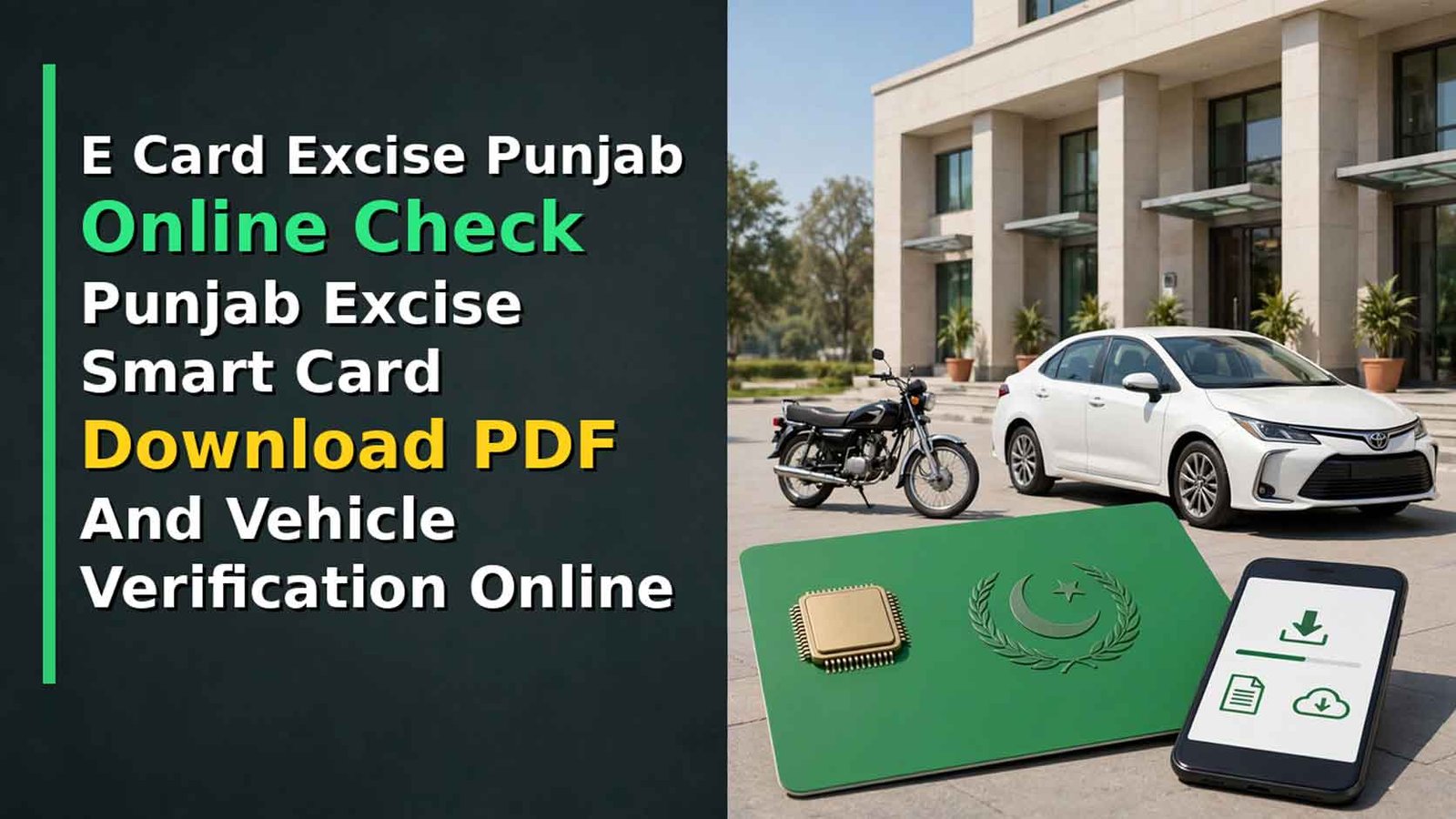
Good news for vehicle owners in Punjab: you no longer have to stand in long queues at the Excise office for your registration card. With the E Card Excise Punjab Online Check service of the Excise, Taxation and Narcotics Control Department, you can check your vehicle record, track your smart card and download your Punjab Excise Smart Card in PDF from home — completely free.
Many people confuse the two documents, so first understand this: the physical Smart Card is the chip-based plastic card that is delivered to your address by post, while the E-Registration Card is its digital copy, which you can download online any time. In this guide you will find the complete method for the E Registration Card Online Check, the Vehicle Smart Card Status Check Online Punjab, and Vehicle Verification Punjab Online through MTMIS.
E Card Excise Punjab Online Check – Punjab Excise Smart Card Download PDF And Vehicle Verification Online
With the E Card Excise Punjab Online Check, every Punjab vehicle owner can now download the Punjab Excise Smart Card PDF free of cost, complete the Vehicle Smart Card Status Check Online Punjab through MTMIS tracking, and finish Vehicle Verification Punjab Online in minutes. Remember the two official addresses — excise.punjab.gov.pk for the E-Registration Card and mtmis.excise.punjab.gov.pk for verification and tracking — and never pay any agent for a service the department gives free.
Vehicle Verification Punjab Online CNIC
| Detail | Information |
|---|---|
| Service | E Card Excise Punjab Online Check / E-Registration Card |
| Department | Excise, Taxation & Narcotics Control Department, Punjab |
| E-Registration Card Portal | excise.punjab.gov.pk → Services → E-Registration Card (vrcentpunjab.com/card) |
| Vehicle Verification Portal | mtmis.excise.punjab.gov.pk (MTMIS Punjab) |
| Download Fee | Free (No Charges) |
| Details Needed For E-Card | Registration Number + Chassis Number |
| Details Needed For Verification | Registration Number + Registration Date |
| SMS Check | Registration Number To 8785 |
| Helpline | 1035 (Punjab Excise) |
| Coverage | All Punjab-Registered Cars, Bikes And Commercial Vehicles |
What You Need Before You Start
- Your vehicle’s registration number, exactly as printed on the number plate (for example LEC-26-1234)
- The complete chassis number (frame number) — available on your sale invoice, old registration book/card or the stamp on the vehicle’s frame
- For MTMIS verification, the registration date of the vehicle (printed on the registration book/smart card)
- A mobile phone or computer with internet — the E Card download comes as a PDF file
Check Online
Punjab Excise Smart Card Download PDF – Step By Step
Follow these steps for the Punjab Vehicle Smart Card Download PDF:
- Open the official website excise.punjab.gov.pk.
- Go to the Services section and click on “E-Registration Card”.
- You will reach the E-Registration Card page (vrcentpunjab.com/card).
- Enter your vehicle registration number in the first box.
- Enter the complete chassis number in the second box and double-check every character.
- Click Search — your E-Registration Card will appear on the screen with owner and vehicle details.
- Click Download PDF and save the card in your phone or computer.
The Excise Department charges no fee for this download. The digital card carries a QR code, which traffic police can scan to verify your registration and tax status at any checkpoint, so keep the PDF saved in your phone and a printed copy in the vehicle as backup.
Vehicle Smart Card Status Check Online Punjab
If you have applied for a new registration or transfer and are waiting for the physical card, use the Vehicle Smart Card Status Check Online Punjab method:
- Open mtmis.excise.punjab.gov.pk and open the Application Tracking tool.
- Enter the Tracking ID printed on your application receipt.
- The system shows the progress of your file — under process, approved, card printed or dispatched.
- Physical smart cards are delivered through Pakistan Post. If a card is returned undelivered, it can be collected from the concerned Excise office (MRA), so keep tracking until the card is in your hands.
Vehicle Verification Punjab Online – MTMIS Check
Before buying a used vehicle, or to confirm your own record, use Vehicle Verification Punjab Online:
- Open the official MTMIS portal mtmis.excise.punjab.gov.pk.
- Click Vehicle Verification in the top menu.
- Enter the vehicle registration number (formats like LXZ 123, LXZ 0123 or LXZ-07-1111 are accepted).
- Select the registration date of the vehicle from the calendar — this is compulsory; the search will not run without it.
- Type the picture code (captcha) and press Search.
The result shows three sections: Owner Details (owner name, father/husband name, city), Latest Payment Details (token tax payment date, amount and type) and Vehicle Details (engine number, chassis number, make, model, year of manufacture and registration date). Match every detail with the vehicle’s papers before paying for a used vehicle.
No internet? Send your vehicle registration number by SMS to 8785 and you will receive the basic registration record in reply.
Vehicle Verification Punjab Online CNIC – The Honest Position
Many people search for Vehicle Verification Punjab Online CNIC, so be clear: the public MTMIS portal does not offer a search by CNIC. Public verification works with the registration number and registration date. Vehicles registered against your CNIC can be viewed after signing in to the official apps/portals with your own account — for example, the e-Pay Punjab app shows your vehicles under “My Vehicles”, from where you can also download the virtual card. Any private website claiming to show any person’s vehicles by CNIC is not an official service — do not share your CNIC with it.
Smart Card Vs E-Registration Card – Difference
| Point | Physical Smart Card | E-Registration Card (E Card) |
|---|---|---|
| Form | Chip-based plastic card | Digital PDF with QR code |
| How You Get It | Delivered by post after registration/transfer | Download online any time |
| Fee | Charged at registration/transfer time | Free download |
| What You Need | Application at Excise office | Registration number + chassis number |
| Use | Carry in vehicle/wallet | Save in phone, print as backup |
Common Problems And Solutions
- Record not found: Check the registration number format (try with and without dashes/year code) and make sure the chassis number is complete and correct.
- Card shows the previous owner: Your transfer is still under process; track it through Application Tracking on MTMIS.
- Old vehicles (pre-2020) not appearing: Some old records are not fully digitised; visit your district Excise and Taxation office with original documents.
- Wrong details in the record: Corrections cannot be made online; apply at the district Excise office with your original papers.
- Someone charges you for the E Card: The download is free on the official portal — never pay agents or private websites for it.
FAQs
How can I do the E Card Excise Punjab Online Check?



Open excise.punjab.gov.pk, go to Services and click E-Registration Card, then enter your registration number and chassis number to view and download your card.
Is the Punjab Excise Smart Card Download free?
Yes. The E-Registration Card PDF download is completely free. A fee is only charged for the physical smart card at the time of registration or transfer.
How do I check my vehicle smart card status online in Punjab?
Use the Application Tracking tool on mtmis.excise.punjab.gov.pk with the Tracking ID from your receipt to see whether your card is printed or dispatched.
Can I verify a Punjab vehicle by CNIC online?
No public CNIC search exists. Public verification on MTMIS needs the registration number and registration date; your own CNIC-linked vehicles appear after login in the e-Pay Punjab app.
What is the SMS code for Punjab vehicle verification?
Send your vehicle registration number to 8785 to receive the basic registration record by SMS.